AI Roleplay vs. VR Training: Do Your Learners Really Need a Headset?
AI roleplay vs VR training is a real choice for L&D teams. Both offer immersive practice, but only one needs a headset. Here is what the research says and how to pick the right fit for soft skills.
November 27, 2026
Key Takeaways
- VR proved that immersive practice beats slides for soft skills, with PwC finding learners up to 275% more confident.
- Headsets add hardware cost, setup, cleaning, and motion sickness, and VR only reaches cost parity with e-learning at large scale.
- Browser-based AI roleplay keeps the emotional realism of a face-to-face conversation without the headset.
- Choose VR for spatial and physical tasks, and AI roleplay for conversations that need to scale.
What VR Got Right About Soft Skills Training
VR changed how training teams think about soft skills. Instead of reading about a hard conversation, learners could step into one. The results were hard to ignore.
PwC's VR soft skills study trained new managers on inclusive leadership in a classroom, through e-learning, and in VR. VR learners finished up to four times faster than classroom learners and were up to 275% more confident to act on what they learned.
- Emotion: VR learners felt 3.75 times more emotionally connected to the content than classroom learners.
- Focus: they were up to four times more focused than e-learners.
- Preference: a strategy+business summary of the study reports that 78% of participants preferred VR to traditional training.
The lesson was clear. People learn soft skills best when they practice in a setting that feels real. The open question is whether a headset is the only way to get there.
The Hidden Costs of Headset Training
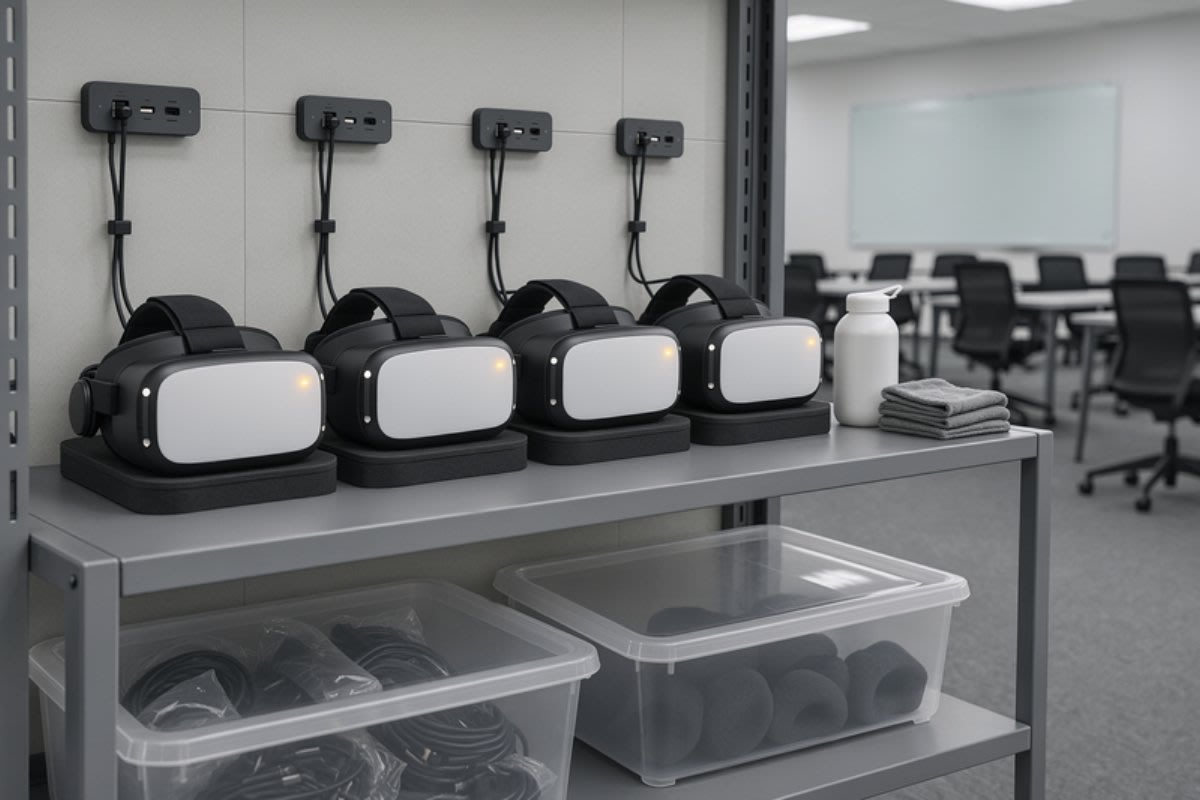
VR's benefits come with real overhead. Budgets have to cover headsets, content built for 3D spaces, charging, cleaning, shipping, and support. PwC's own math shows how much scale VR needs to pay off.
Comfort is the other hidden cost. A 2021 systematic review in the journal Virtual Reality notes that 60% to 95% of participants experience some level of cybersickness in virtual environments, and 6% to 12.9% end their session early.
A separate meta-analysis of 55 studies found that motion, visual stimulation, and exposure time all affect how sick headset users feel. Those are hard constraints for long practice sessions.
How AI Roleplay Delivers Immersion Without the Headset
For conversations, the immersion that matters most is the other person. A lifelike face that reacts, pauses, and shows emotion is what makes a learner feel the pressure of a real talk. That does not require a 360-degree room.
Rapport delivers this with real-time 3D avatars that run in a web browser. Facial animation and lip sync are driven by the conversation as it happens, so the avatar looks concerned, surprised, or frustrated in the moment. You can read more about how that works in our guide to live 3D AI avatars.

- Nothing to ship. Learners open a link on the laptop they already have.
- Practice anywhere. Remote, hybrid, and frontline teams can practice between meetings.
- Short, repeatable sessions. Five to ten minutes is enough for a focused rep.
- Scored every time. Each session ends with feedback tied to the skills you are building.
Voice-only practice is another option, but faces add a lot. Our comparison of AI avatar roleplay vs. voice roleplay explains why nonverbal cues matter for soft skills.
AI Roleplay vs. VR Training at a Glance
| Factor | VR headset training | Browser-based AI roleplay |
|---|---|---|
| Hardware | Headset per learner or shared pool | The laptop or desktop learners already use |
| Setup | Device management, charging, cleaning | Open a link or launch from the LMS |
| Immersion | Full 3D environment | Lifelike face-to-face conversation on screen |
| Comfort | Cybersickness risk for some users | Same as a normal video call |
| Scale | Cost-effective at large cohorts | Easy to roll out to any team size |
| Content changes | 3D scenes are slower to update | Edit a persona or goal and relaunch |
| Best for | Physical, spatial, and safety tasks | Conversations and soft skills at scale |
Need to plug practice into your current system? Rapport is SCORM compliant, so scenarios launch from the LMS your team already uses.
When to Choose VR and When to Choose AI Roleplay
Choose VR when
- The skill is physical or spatial, like equipment handling or safety procedures.
- Learners must read a full environment, such as a crowded room or an emergency scene.
- You train large cohorts in one location where headsets can be managed centrally.
Choose AI roleplay when
- The skill is a conversation, like feedback, sales calls, de-escalation, or interviews.
- Your learners are remote, hybrid, or spread across many sites.
- You want frequent, short practice instead of a one-time event.
- You need to update scenarios often as products, policies, or markets change.
Many teams use both. VR handles hands-on tasks, and AI roleplay handles the daily conversations that decide customer and employee outcomes. For a broader look at the category, see our guide to simulation-based training.
How Rapport Compares to VR-Focused Platforms
Some soft skills platforms were built with headsets in mind, and others pair simulations with live human actors. If you are weighing those options, our side-by-side breakdowns go deeper:
Our Rapport vs Bodyswaps comparison covers VR-ready soft skills simulations. Our Rapport vs Mursion comparison looks at live, human-voiced simulation.
Curious how immersive learning has evolved? Our earlier post on the power of immersive learning traces the shift from classrooms to simulations.
Frequently Asked Questions
Is AI roleplay as effective as VR for soft skills?
Both work because they give learners realistic practice with feedback. For conversation skills, a lifelike face on screen delivers much of the emotional realism that makes VR effective, without the headset.
Do learners need special equipment for AI roleplay?
No. Browser-based AI roleplay runs on a standard laptop or desktop with a microphone.
Can AI roleplay run inside VR headsets too?
Some platforms support both. Start with the format your learners can use every week, then add headsets for specific use cases if needed.
Is VR training worth the cost?
It can be at scale. PwC found VR reached cost parity with classroom training at 375 learners and with e-learning at 1,950 learners.
Try Immersive Practice Without a Headset
All the realism. None of the hardware. Open a browser, meet a lifelike AI avatar, and see how your team practices.
Start a free trial